

From 30 November we’re making some changes to the way you and your teams log in to Compass Plus.
What’s changing?
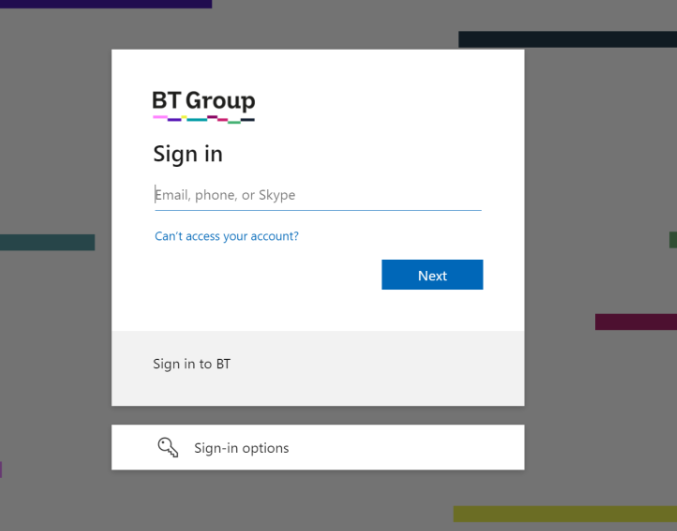
Authentication services are being moved from SiteMinder to Azure AD. This is the service that checks who you are (authentication) and decides what you can do. From 30 November when you log into Compass Plus it will ask for your email address, not your UIN.
Here’s what the log in page currently looks like:

Here’s what the new log in page will look like:
What this means for you…
You’ll need to log into Compass Plus using your email address and password. Everything else will stay the same.
Remember to always log into Compass Plus via Advisor Hub, that way you get the best login experience. We’ll be removing the ability to log directly into Compass Plus soon, so make sure you get into the habit now of using Advisor Hub every time you log in.